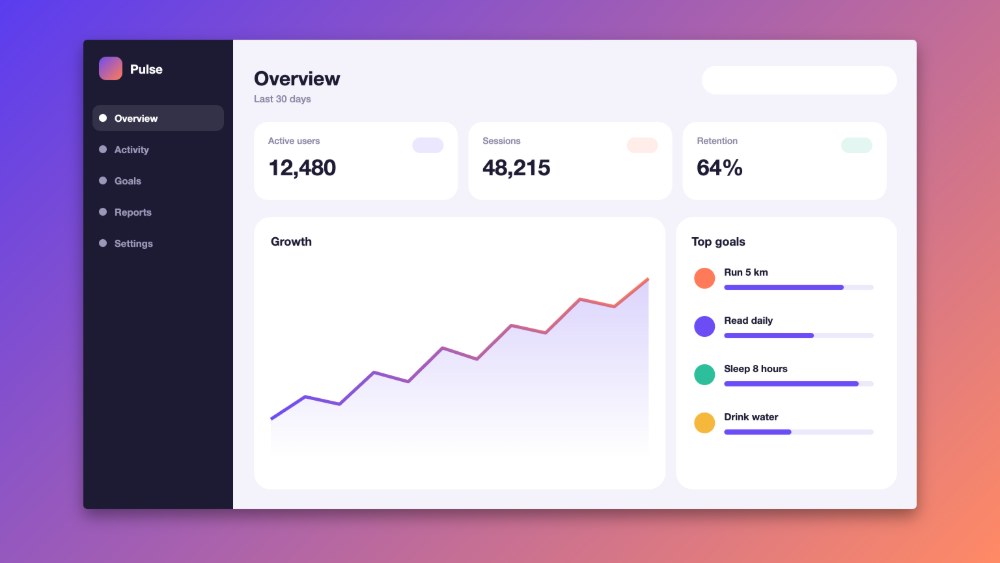
Drop a screenshot.
Get a launch image.
Flat, 3D, real photos or full store sets. Pick a style, add your app and download it in minutes.
Pick what you want to make.
Each card shows what you can export. You can come back and try another style any time.
Bring your mockups to life.
Pick a camera move in 3D, press play and export an MP4. Orbit, push in, sweep the light, pull back or rise.
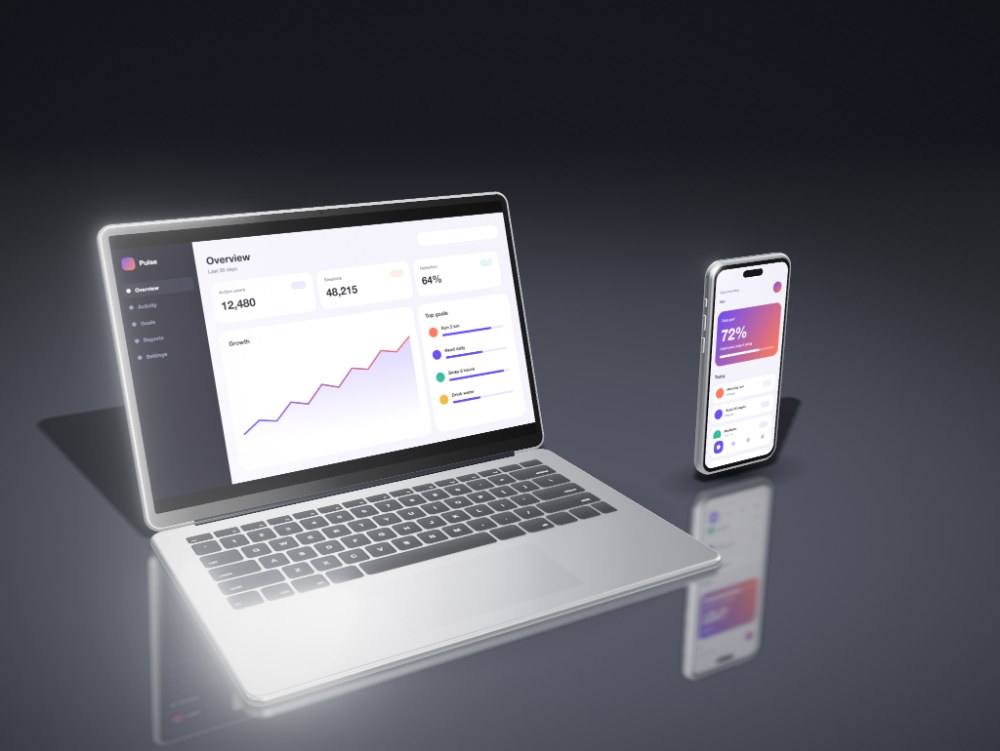
Screenshots.
Store ready.
Pick your store, add your screens and arrange them on one wide canvas. A phone can cross from one slide into the next and is cropped for you. Export one ZIP with a folder for every size.
- iPhone 6.9 inch1320 × 2868
- iPad 13 inch2064 × 2752
- Google Play phone1080 × 1920
- Google Play tablet1440 × 2560
- Feature graphic1024 × 500
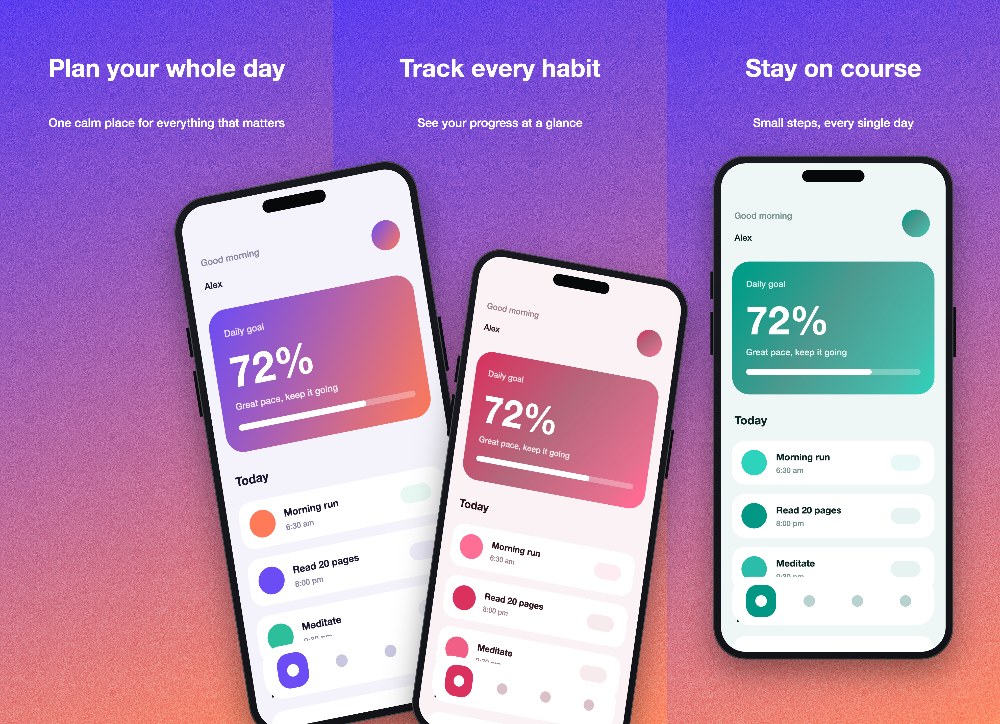 Templates included
Everything you need, nothing you have to learn.
Real size devices
Set a screen diagonal and a phone beside a tablet keeps its true size ratio.
Studio light you move
Drag the light, pick a finish and add reflections, glow and glare.
Several devices at once
Put a laptop, a phone and a tablet in the same scene.
Text, badges, images
Add layers on top, reorder them and undo or redo anything.
Optional stands
Add a stand, a riser or a lean only when you want one.
Video and MP4
Choose a camera move and export a video at 720p or 1080p.
Exact store sizes
Apple and Google Play sizes with the right limits, exported as a ZIP.
Ready made templates
Start from a layout and swap in your own screens.
Your own backgrounds
Transparent PNG, a color, a gradient, a texture or your own image.
Three steps. About a minute.
- 1
Pick a style
3D, flat or App Store Kit. Each one starts you off with something that already looks good. Real photos are coming soon.
- 2
Add your screens
Drop in screenshots or a screen recording. Place them, tilt them and write your headline.
- 3
Export
Get a PNG, an MP4 or a ZIP that is ready to upload to the store.
Good to know.
Are my images uploaded anywhere?
No. Everything runs in your browser, so your screenshots and videos stay on your computer.
Are the devices real phone and laptop models?
No. They are generic phones, tablets, laptops and screens drawn in code, not copies of one brand's hardware.
What can I export?
PNG images up to 4K, with a transparent background if you want one. MP4 videos from 3D scenes. A ZIP of PNGs at exact store sizes. One HTML file from Real photos.
Which browser should I use?
A recent desktop browser. Chrome and Edge give the fastest video export.
Which store sizes are included?
Four iPhone sizes, two iPad sizes, Google Play phone and tablet, and the Google Play feature graphic.
Make your first mockup.
Pick a style and you are in the editor right away.
Add a photo of a real device
Photos
Screen
Corners
Starts at 8px. Raise it for a more rounded device, or down to 0 for sharp corners.
Drag the rectangle or its corners on the photo, then Apply. Cropping clears any placed corners.
Code to hand off
Code for the selected image. Filenames come from the files you loaded (YOUR-VIDEO stays a placeholder until you add an asset). Load device-mockup.js alongside it.